
As the post's owner, your able to see who performed what action on your post as you will be receiving a notification of that action, keeping in mind that clicking on these notifications will redirect you to the post related to it to view the action.
the notifications you receive will be shown in:
1. the bottom left corner of the page your on as a floating "Pop Up" notification (when the user is logged in to his/her JOIP account).
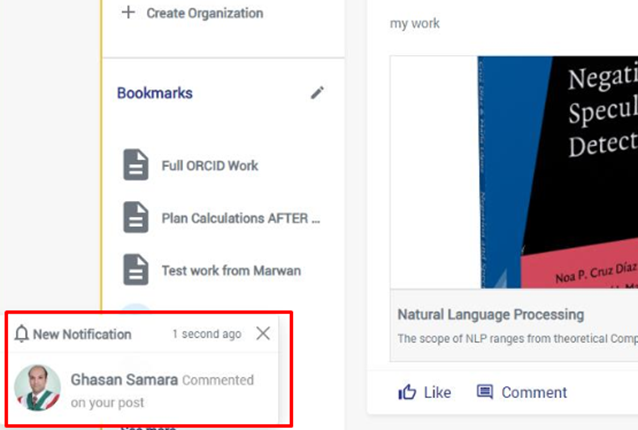
2. in the "General Notifications" list contained in the header section's navigation bar as the counter on it will increase by "1" for each received notification.
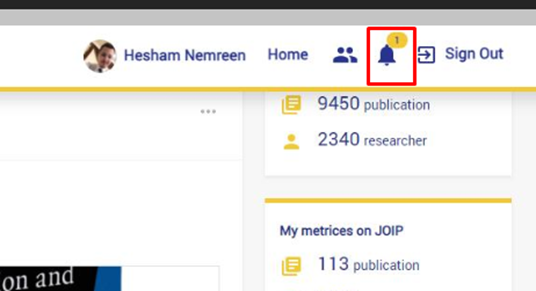
and the count number will disappear or be less by "1" when the list is opened to view the received notification.
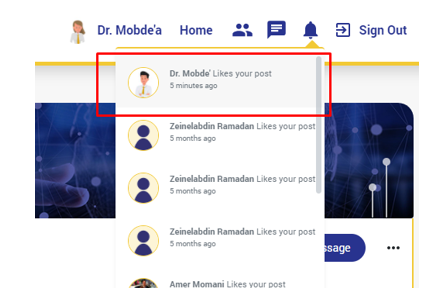
Users (Post Owning Users) are notified when the following actions are made on posts:
1. Liking a Post.
2. Commenting on a Post.
Un-liking, deleting and editing comments, and deleting posts are actions that are not included.
تعليقات
لا توجد تعليقات
الرجاء تسجيل الدخول لترك تعليق.