
First: what IDs are in JOIP IDs page?
- The Ids JOIP imported.
- the Ids JOIP generated automatically
- the IDs that were added manually by you.
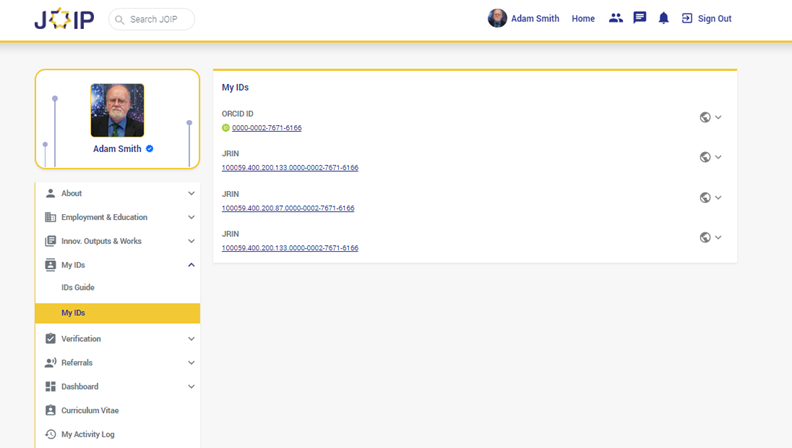
JOIP shows all the Ids of the profiles you've added to the platform in the IDs page.
Second: Reach the IDs page
To check the IDs fetched by the system you can follow these steps:
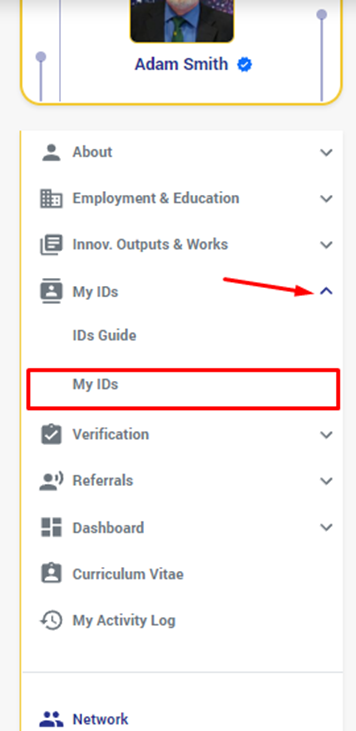
- Click on "my Ids" from the side menu:
- From the list that shows, click on "My Ids"
- The Ids page opens, from which you can view your profiles' IDs:
Third: IDs Guides
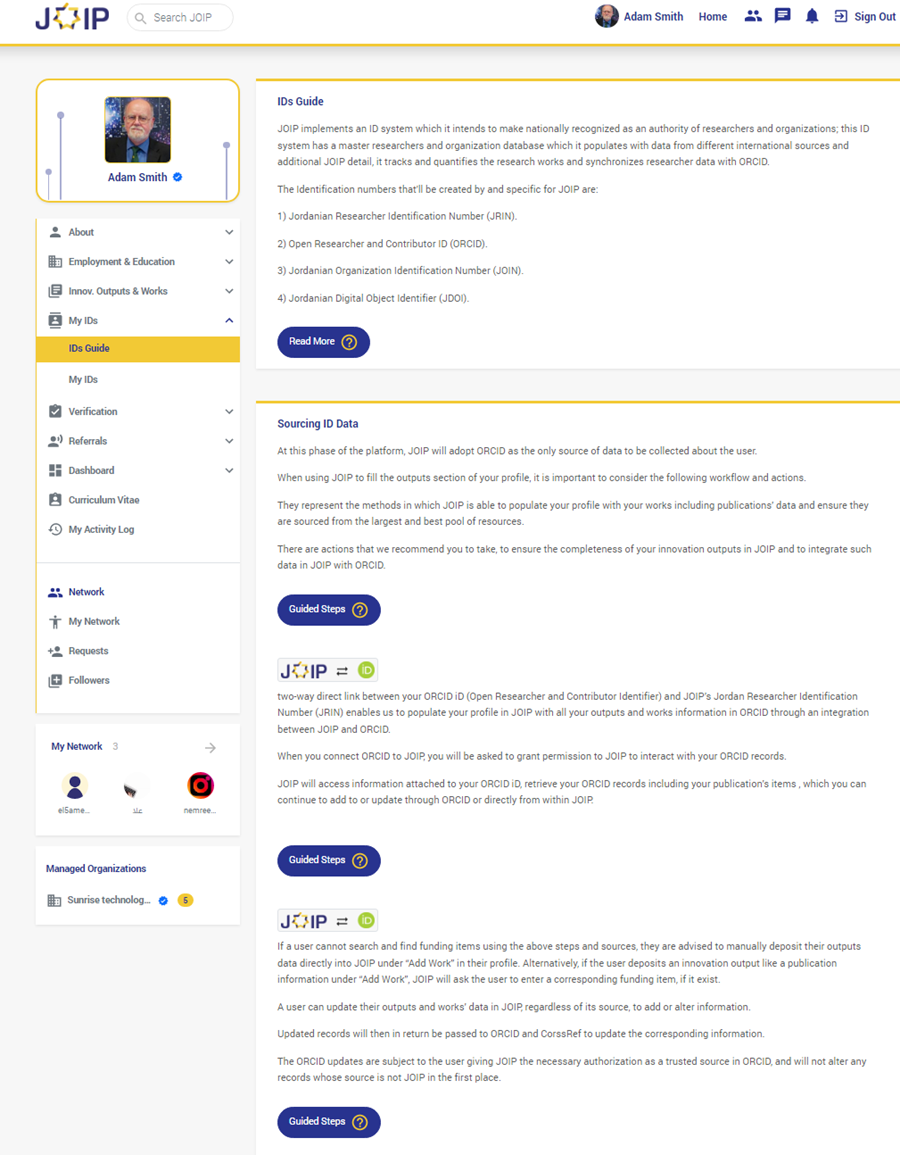
JOIP provides you with guides to help you understand how things occur on the platform, so you can find a guide specific for the Ids system in JOIP that clarifies for you how JOIP implements your added IDs to source data to your profile and what type of IDs is acceptable at JOIP:
Comments
0 comments
Please sign in to leave a comment.